Phishing is one of the most common types of cyberattacks. Find out how it works, why people still fall for it, how to spot it, and what to do if you’ve already clicked on a phishing email.
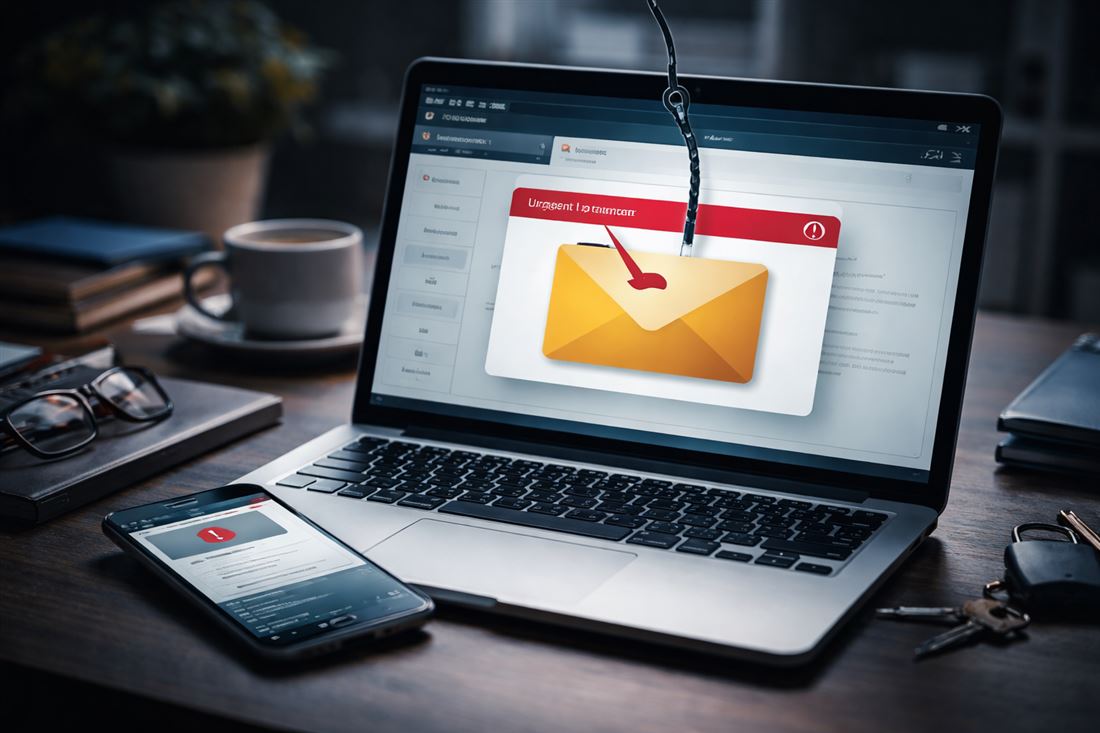
You’ve probably received an email that looked suspicious at first glance, was grammatically incorrect, ended up in your spam folder, and was sent from an address that had nothing to do with the company mentioned in the text. However, that is a thing of the past. Today’s phishing attacks are much more elaborate and sophisticated, and with this type of attack, it is often the human factor that fails.
Phishing is a type of attack in which the attacker tries to obtain your data by getting you to provide it yourself. You receive a fraudulent email, open it, and then use the link to log in to, for example, a fake version of your bank’s website. Today, this can be an exact copy of the original site—visually, graphically, and even linguistically flawless. After entering your login credentials, you hand over your sensitive data to the attacker, who can then misuse it in various ways.
Why do we still fall for phishing?
These days, attackers pay close attention to the visual design of their emails. They mimic the graphics of well-known brands, signatures, logos, and even the tone of communication. The imitation of email addresses is also becoming increasingly sophisticated. Technology is constantly advancing—and with it, the threats that await us online.
Although years of practice and experience dealing with scams have taught us to be more cautious, phishing is also constantly evolving and changing the ways it tries to deceive users. Attackers today can create emails with extremely convincing visuals that faithfully mimic the communication of legitimate companies. The graphics, language, and overall impression are often so authentic that at first glance it can be very difficult—sometimes almost impossible—to question their authenticity. The text is error-free, and the communication appears professional and personalized. That is precisely why it is important to rely not only on visual impressions but also on a thorough check of the sender, links, and the context of the message.
Types of Phishing
There are several forms that differ in their method of attack, target, and level of sophistication:
- Email phishing (classic phishing) – the most widespread form,
- Spear phishing – targeted phishing aimed at a specific person or company,
- Whaling (CEO fraud / Business Email Compromise) – a specific form of spear phishing targeting company executives,
- Smishing – phishing via SMS messages,
- Vishing – phishing via phone calls.
However, the goal of each one is to gain access to your data or, directly, to your money.
Phishing in Transportation and Logistics
As phishing attacks become increasingly sophisticated, the areas in which attackers exploit them are also expanding—one sector that has long been affected is transportation and logistics.
In practice, this involves situations where someone impersonates a carrier or logistics company. For example, an attacker gains access to information about a planned shipment—through a compromised email, monitoring of communications, or a logistics platform—and can then contact the company without any doubt as to their authenticity, posing as the “carrier” who is supposed to pick up the shipment.
On the day of loading, a driver then shows up with all the necessary documents and appears completely trustworthy. The communication is professional, everything seems in order—but in reality, it’s a scam. The goods are loaded, and the fake carrier simply disappears. Unfortunately, along with the goods.
Such cases are not uncommon today. Most often, they involve a combination of phishing, social engineering, and logistics fraud. The losses can be very high—especially with electronics, food, or consumer goods.
That is why it is important to always verify the carrier, driver, vehicle registration number, or shipping order directly through the company’s official contacts.
So how do you recognize a phishing email?
One of the key features of phishing is the attempt to force the victim to act quickly and without thinking. It is precisely this pressure to react immediately that is very typical of phishing attacks—when a person finds themselves in a stressful situation, their caution naturally decreases and they lose greater control over the situation. This subsequently plays into the attacker’s hands and increases the chance that they will successfully complete the attack.
1. Urgency and pressure to respond immediately
Phishing messages often create a sense of urgency to get the victim to act without thinking. Typical phrases include requests to reset a password, block a card, pay an unpaid invoice, or a “final warning” to take some action.
2. Request for sensitive information
Never enter your passwords or authorization codes into an email or website that you did not request directly through the official website.
3. Suspicious web address (URL)
Fake websites are now visually almost indistinguishable from the original. The difference is usually in the website address. For example:
- instead of banka.sk → banka-secure.sk
- instead of microsoft.com → micr0soft-support.com
- minor typos (e.g., paypaI.com with a capital “I” instead of “l”)
4. Unusual sender address
The email may appear official, but the sender’s address might look like this, for example:
- support-banka@gmail.com
- info.netflix.verify@outlook.com
- ceo.company@consultant-mail.com
Official companies usually communicate from email addresses under their own domain. This is a sign of credibility.
5. Unexpected attachments or links
Phishing messages often contain attachments and links that may arouse curiosity or a sense of obligation to respond and click on the attachment to check its contents. These may include, for example:
- an invoice you weren’t expecting,
- a document in .zip or .exe format,
- a “voice message,”
- a prompt to download a purported contract.
However, the important rule remains: if you aren’t expecting anything, don’t click.
6. Impersonating an Authority
Attackers often impersonate trusted institutions or authorities, such as:
- a bank,
- the police,
- the tax office,
- an IT department,
- or a company executive.
They often exploit the fear of failing to fulfill civic or work-related obligations. The communication is usually written in an authoritative tone and formal language, which can put pressure on the recipient and force them to respond without thoroughly verifying the message.
What should you do if you receive such an email?
If, after checking the email, you suspect it is a phishing attempt:
- Do not reply to the email.
- Do not click on any links or attachments.
- Check the sender’s address.
- Verify the information directly through the official website or by phone (not via the contact listed in the email).
- Report the email to the IT department or mark it as phishing/spam.
In a corporate environment, it is important to report the incident as soon as possible—even if you are unsure. Experience shows that informing colleagues on your team reduces the risk of the attack succeeding and helps prevent a security incident.
What should you do if you have already clicked or entered your information?
Speed of response is absolutely critical here. Panic won’t help, but quick action will:
- Change your passwords immediately—especially for the account you entered and anywhere else you use the same password.
- Enable or check two-factor authentication (MFA).
- Contact your bank if financial information or a card was involved.
- Check your account activity and set up transaction notifications.
- Notify the IT department if it involves a company account.
- Run an antivirus scan on your device if you downloaded an attachment.
The sooner you react, the greater the chance of minimizing the damage.
Cybersecurity today is mainly about people
Nowadays, it’s crucial to be educated—whether in your personal life or at work. Technology can protect us, but if we make a mistake, that protection stops working. Cybersecurity today is mainly about the human factor. Whoever makes the first mistake loses.
